 Building My Web Page
Forms
What should a visitor see after sending an enquiry?
A clear form confirmation that tells a customer what happened and what they can do next.
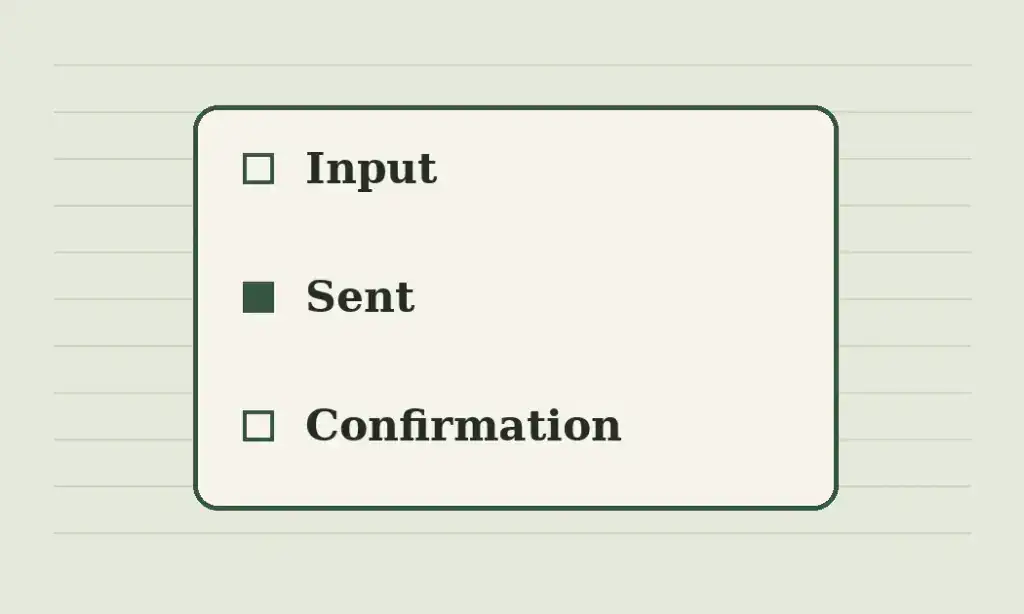
A visitor opens your enquiry form during a break at work. They type a message, press Send and land on the same screen. If the page clears the message without explanation, they cannot tell whether it arrived. The confirmation has a job even when everything behind the form went well.
Say what was accepted
Use ordinary language: “Your enquiry has been sent.” If the system can reliably issue a reference, show it. Give a response time only when someone is responsible for meeting it. A workshop can say it answers on working days if that is the actual arrangement. For urgent changes, provide the contact route that can take them.
Try a test with a mistyped email and another with a fully valid message. The first needs a field-level explanation and retained input. The second needs a clear success message that keyboard and screen-reader users can discover. Ask the staff member who owns the inbox to show that the valid test arrived just once. If there is a definite service failure, explain that the message was not sent and keep a backup contact option visible.
The WAI forms tutorial on notifications has examples of showing successes and errors. Use it to check the page that exists today, especially if a template update changed the way the confirmation behaves.