 Building My Web Page
Field guides
Write a contact page someone can use before they reach the door
Make opening hours, the correct entrance and ways to get help easy to check on a phone.
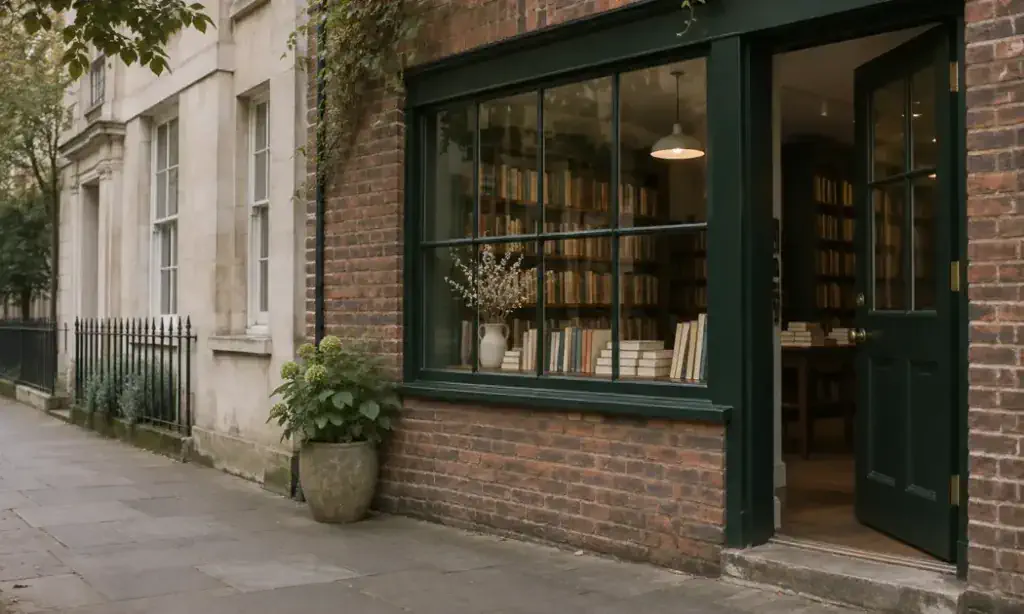
A small bookshop has two green doors. The one on the main road looks like the entrance, but regulars use the side door. Stating “Find us downtown” above a map leaves a first-time visitor to solve the hardest part of the trip alone. Describe the last few metres as carefully as the address.
Walk the route with the phone in your hand
Read the page at the point a customer would. The essentials are the address, hours and a working contact method. If the point of arrival is different from the postal address, call it out. “Use the green door on Birch Lane, beside the bike stand” is a useful description only when those details are current. If a step-free entrance exists, record exactly where it is and any conditions on its use. Ask somebody at the premises to confirm the wording.
Add a visible update where a visitor decides whether to come. An exception such as a long-weekend closure belongs next to the hours for that week. If the hours also appear in a directory, put the change on the list of places to update. People may open the map listing first.
Try the phone button and any link to directions with a real device before publishing. Have a colleague give directions back in their own words. If they name the wrong door, edit the contact page before spending time on a more impressive map embed.