 Building My Web Page
Field guides
Make one service page ready for a useful quote
Show the facts a workshop needs to answer an enquiry without six follow-up messages.
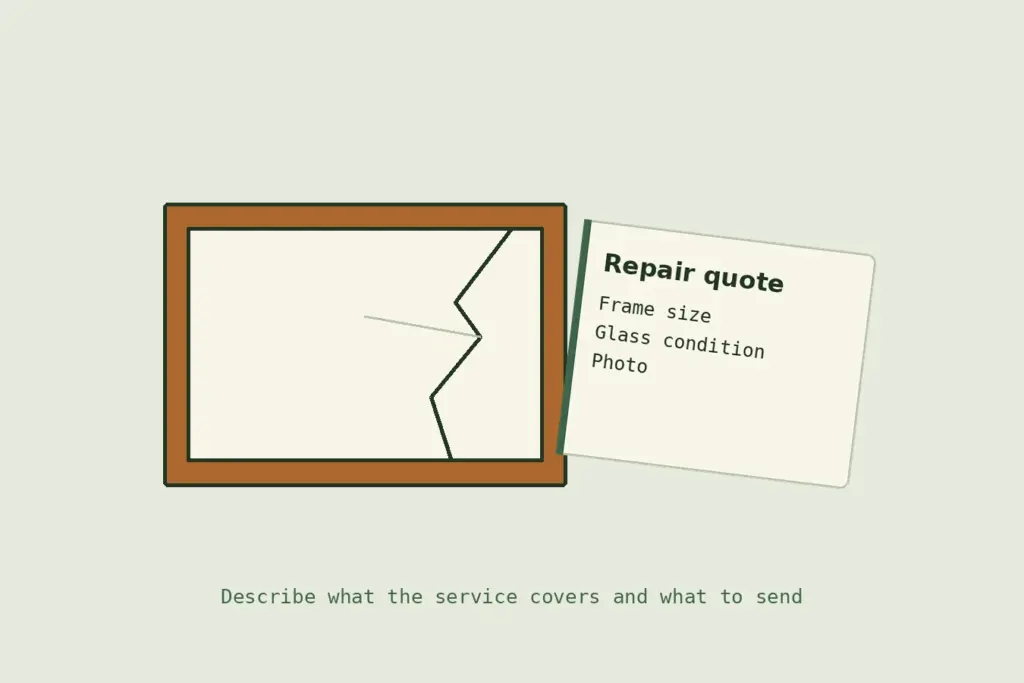
A customer needs a frame repaired and finds a page that says “All repairs welcome”. The frame is oversized and the glass is broken. Give people a clearer starting point by naming the decisions the workshop makes before quoting.
In a fictional framing shop, the service page can explain acceptable dimensions and whether broken glass needs to be removed before arrival. Ask for just enough detail to answer: size, condition and whether pickup is needed. Explain what happens next and how a customer can ask when they do not know a measurement. If you offer a starting price, tie it to an example and show conditions that can change it.
Give an example of what to ask
A fictional workshop might say, “For frames wider than 90 cm, send the outer dimensions and a photo of the corner before bringing the frame in. For cracked glass, contact us first to agree the safest way to handle it.” Its customer could write, “My frame is 94 × 62 cm. One corner has opened and the glass is cracked. Could you tell me if you can repair it and how you would arrange pickup?”
Test an enquiry someone would actually send
Hand the page to a colleague with a sample frame outside the normal size range. See whether they know to ask first and what information to include. Then read the resulting enquiry as the person answering it. If they need to ask a follow-up about basics the page could have explained, rework that part of the page instead of adding more required fields.